
Support
Need help with MailDock?
For setup, billing, Pro keys, bug reports, and feature questions, email support@maildock.app.
Install
Add MailDock to Chrome.
Once the Chrome Web Store listing is live, this section should link directly to your listing. Until then, testers can install the unpacked extension from the repo’s extension/ folder.
- Open Chrome extensions.
- Turn on Developer mode.
- Click Load unpacked.
- Select the
extension/folder.
Help topics
Fast answers.
How do I unlock Pro?
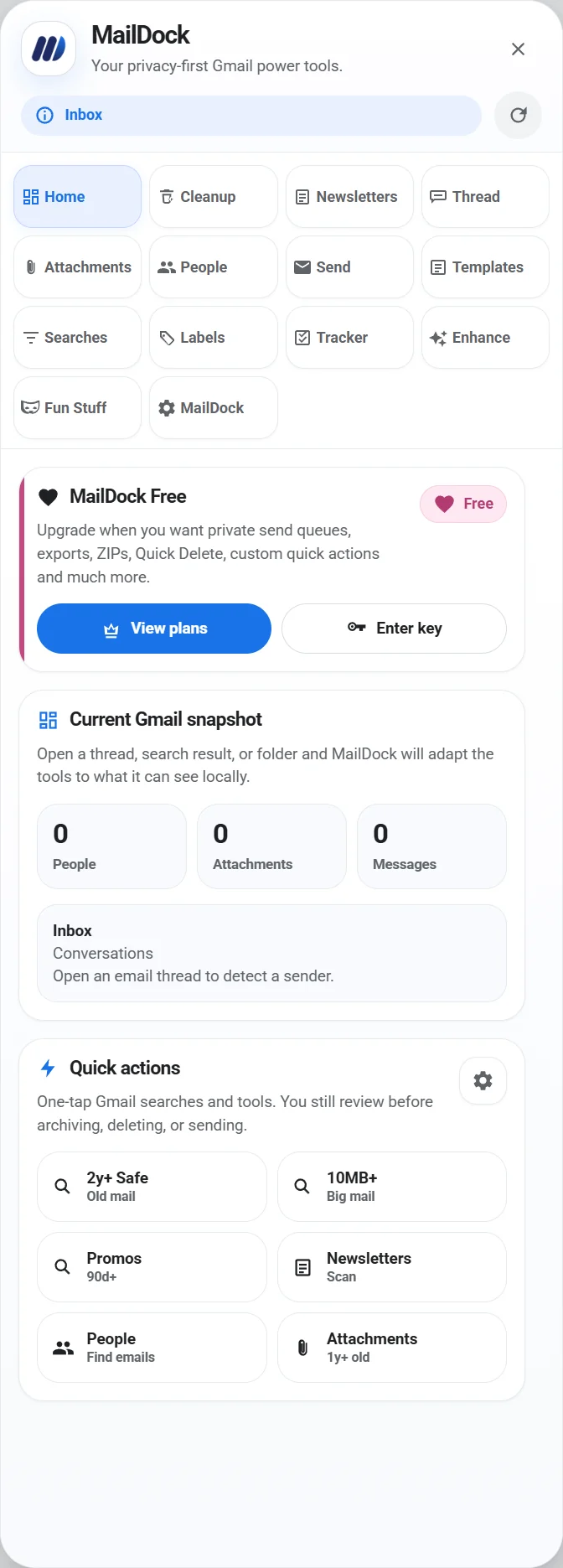
Open MailDock inside Gmail, go to MailDock → Pro, and paste your license key.
Where do I report a bug?
Email support@maildock.app with your Chrome version, MailDock version, and a screenshot if possible.
Can I request a feature?
Yes. Send the workflow you want, the Gmail screen where it should happen, and what result you expect.
Is the extension open source?
The repository may be private while MailDock is commercial. Public users should install from the Chrome Web Store once published.